Mercedes Play Withdrawal Failed: Common Reasons and How to Fix Them
Mercedes Play Withdrawal Failed: Common Reasons and How to Fix Them
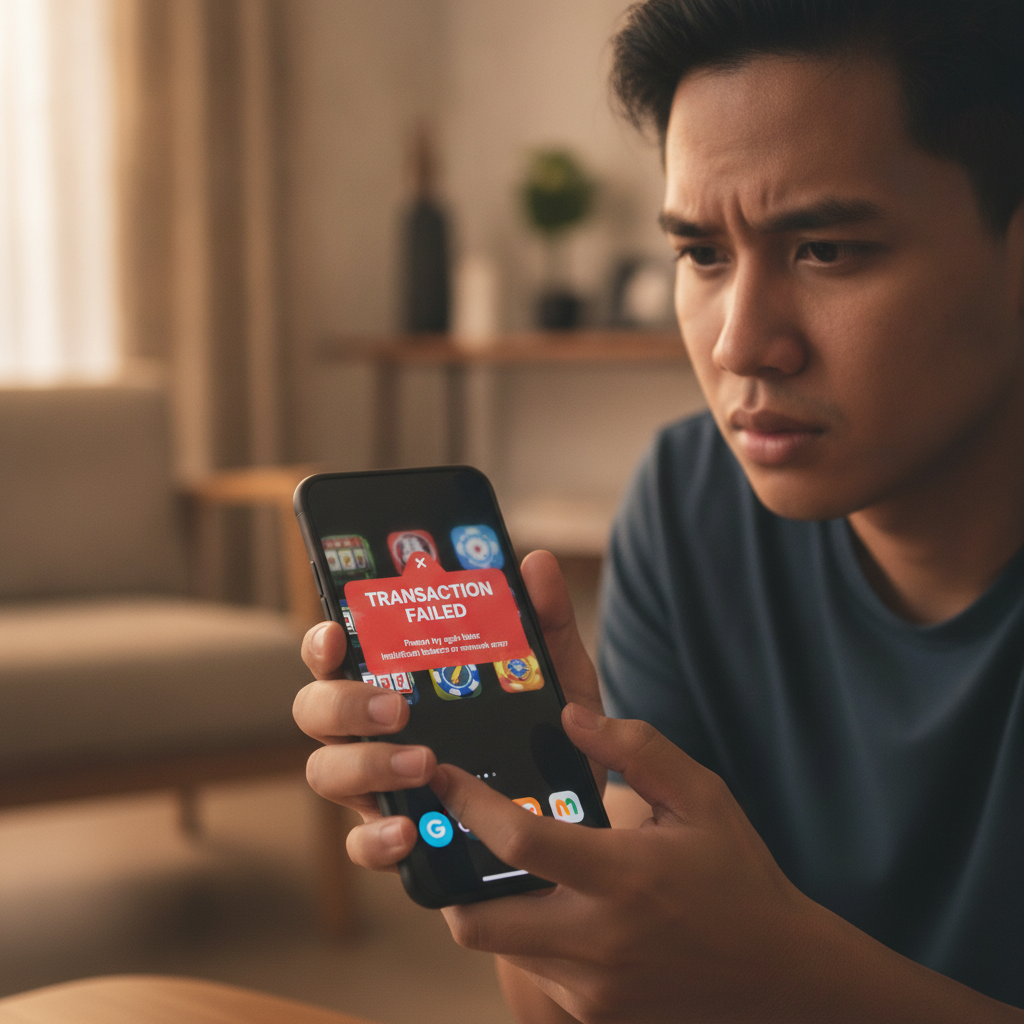
Trying to cash out your winnings from Mercedes Play only to see a failed withdrawal message can be frustrating. Most cashout failures happen for a handful of common reasons, and almost all of them can be fixed quickly once you know where to look.
This guide walks through the most frequent causes of rejected Mercedes Play withdrawals—verification problems, mismatched account details, and e-wallet recognition errors—and gives you step-by-step fixes to get your money moving.
This content is for players aged 21 and over only. Only withdraw funds you have deposited and won fairly through legitimate play.
Top Reasons Mercedes Play Cashouts Get Rejected
Mercedes Play processes most GCash, Maya, and bank transfer withdrawals within a few hours to one business day, but the platform will reject your request if something in your account or payment details does not match their records.
Verification Issues
If you have not completed identity verification, or if your submitted documents are unclear or expired, Mercedes Play will block withdrawal requests. The platform requires a valid government-issued ID (Philippine passport, driver's license, UMID, or postal ID) and sometimes a selfie holding the ID or a recent utility bill showing your address.
Check your account dashboard or inbox for any pending verification requests. If your previous upload was rejected, the message usually explains why—blurry photo, cropped edges, mismatched name, or expired document.
Incorrect E-Wallet or Bank Details
Even one wrong digit in your GCash or Maya mobile number, or a misspelled account name in your bank transfer details, will cause the withdrawal to fail. Mercedes Play matches the name on your casino account to the name registered with your e-wallet or bank. If your casino account says "Juan Dela Cruz" but your GCash is registered as "Juan D. Cruz," the system flags a mismatch and rejects the transaction.
Insufficient Withdrawal Balance
Your available withdrawal balance may be lower than your visible account balance if you have active bonus funds, unsettled bets, or pending wagering requirements. Mercedes Play separates real-money winnings from bonus-locked credits. If you try to withdraw PHP 500 but only PHP 300 is cleared for cashout, the request will fail.
Check the "Withdrawable Balance" or "Available for Withdrawal" figure in your account, not just the total balance.
Minimum and Maximum Limits
Mercedes Play sets minimum withdrawal amounts—often PHP 100 or PHP 200 depending on the method—and daily or weekly maximums. Requesting below the minimum or above your tier limit triggers an automatic rejection.
Duplicate or Overlapping Requests
Submitting a second withdrawal before the first one finishes processing can cause both to fail. The system locks funds during a pending cashout, so trying to withdraw the same money twice creates a conflict.
How to Verify Your Identity and E-Wallet Account Name Matches
Most failed Mercedes Play withdrawals trace back to name mismatches between your casino account, your ID, and your e-wallet or bank registration.
Step One: Check Your Casino Account Name
Log in to Mercedes Play and go to your profile or account settings. Note the exact spelling of your first name, middle initial, and last name. This is the reference Mercedes Play uses.
Step Two: Confirm Your GCash or Maya Registered Name
Open the GCash or Maya app, tap your profile icon, and view "Account Details" or "Profile." The name displayed must match your casino account character for character. If your e-wallet shows a nickname, shortened name, or different spelling, you need to update one of the two.
GCash and Maya both allow name corrections, but you will need to submit ID verification inside the e-wallet app. This process can take one to three business days.
Step Three: Upload Clear, Complete ID Photos
When Mercedes Play asks for verification, photograph your ID in good lighting on a flat, contrasting background. All four corners of the card must be visible, and text should be sharp enough to read. Avoid glare, shadows, and fingers covering any part of the document.
If you are submitting a selfie with ID, hold the document next to your face, look at the camera, and ensure both your face and the ID text are in focus.
Step Four: Wait for Approval Before Retrying
Once you upload documents, give Mercedes Play 24 to 48 hours to review. Submitting duplicate verification requests or trying to withdraw again during this window will not speed things up and may delay the queue.
What to Do When Your GCash or Maya Number Is Not Recognized
If you enter your 11-digit mobile number and see an error like "Account not found" or "Invalid recipient," the issue is usually formatting, typos, or e-wallet account status.
Double-Check the Number Format
Philippine mobile numbers for GCash and Maya should be entered as 09XX XXX XXXX (eleven digits starting with 09). Some forms auto-add +63 or expect the number without the leading zero; others require exactly eleven digits with no spaces or dashes.
If the Mercedes Play withdrawal form shows a dropdown for country code, select +63 and enter the ten digits after the zero: 9XX XXX XXXX. If there is no dropdown, enter the full 09XX XXX XXXX.
Confirm the Number Is Fully Verified in GCash or Maya
Both e-wallets require you to complete Know Your Customer (KYC) verification before receiving money from third parties. If your GCash or Maya account is still "unverified" or "semi-verified," it may not accept casino cashouts even if the number is correct.
Open your e-wallet app and check your verification tier. If you see prompts to upload an ID or verify your address, complete those steps first.
Try a Different E-Wallet or Method
If you continue to see errors with GCash, consider linking a Maya account instead, or vice versa. You can also request a bank transfer via InstaPay or PESONet if your bank account is already verified in the Mercedes Play cashier.
Bank transfers take slightly longer—typically one business day for InstaPay, two to three days for PESONet—but they bypass mobile-number recognition issues.
Contacting Mercedes Play Support with Transaction Reference Numbers
When you cannot resolve a failed withdrawal on your own, reaching out to Mercedes Play support with the right information speeds up the fix.
Gather Your Transaction Reference Number
Every withdrawal attempt generates a unique transaction or reference ID. You can find it in the "Transaction History," "Withdrawal History," or "Cashier" section of your account. It usually looks like a string of letters and numbers: WD202412XXXXX or similar.
If the transaction does not appear in your history because it failed instantly, take a screenshot of the error message.
Use Live Chat or Email
Mercedes Play typically offers live chat during peak hours (late afternoon to midnight Philippine time) and email support around the clock. Live chat is faster for urgent issues; email works better if you need to attach photos of IDs, screenshots, or bank statements.
Provide Specific Details
When you contact support, include:
- Your registered account username or email
- The exact date and time you attempted the withdrawal
- The transaction reference number
- The amount in PHP
- The withdrawal method (GCash, Maya, InstaPay, PESONet)
- A brief description of the error message or problem
Support agents can check backend logs and tell you whether the issue is verification, a name mismatch, an e-wallet error, or a technical glitch on the casino side.
Follow Up If Needed
If you do not receive a reply within 24 hours by email, send a polite follow-up or try live chat. Keep records of all communication—screenshots of chat transcripts and copies of emails—in case you need to escalate.
21+ Only; Only Withdraw Funds You Have Deposited and Won Fairly
Mercedes Play withdrawal services are available exclusively to players aged 21 and over. The platform enforces strict age verification and reserves the right to request additional proof of age at any time.
Responsible gambling reminder: Only request withdrawals for funds you have legitimately deposited and won through fair play. Using multiple accounts, colluding with other players, exploiting software errors, or any form of bonus abuse violates platform terms and will result in frozen funds, canceled withdrawals, and account closure.
If you feel you are spending more time or money than you intended, or if gambling is affecting your finances or relationships, seek help. Organizations like Gambling Therapy and the National Council on Problem Gambling offer free, confidential support in English and Tagalog.
Set deposit limits, take regular breaks, and remember that casino games and sports betting are entertainment, not income sources.
Final Checklist Before You Retry a Failed Withdrawal
- Identity verified: ID and selfie approved in your Mercedes Play account
- Name match: Casino account name exactly matches GCash, Maya, or bank name
- E-wallet verified: GCash or Maya KYC complete, account fully verified
- Correct number or details: Double-checked mobile number format or bank account info
- Sufficient balance: Withdrawable balance (not bonus-locked funds) covers the amount
- Within limits: Request is above the minimum and below daily/weekly caps
- No pending requests: Previous withdrawal canceled or completed before submitting a new one
Work through this list, fix any gaps, and try your cashout again. Most players who see a failed Mercedes Play withdrawal the first time get it sorted within a few hours once they correct verification or account-name issues.
If problems persist after verifying everything, contact support with your transaction reference number and wait for their technical team to investigate.